

Your inbox can eat the morning before the real work starts. A virtual assistant for email management can sort messages, draft replies, and flag what needs your judgment. Here are six services and one AI assistant to consider, with a focus on how each fits your day-to-day work.
1. The Task Ninja
The Task Ninja is a Seattle-based operations partner that embeds in a small business and handles ongoing admin and operations work. It’s a fit if email is one part of a larger pile of work you’re trying to keep moving.
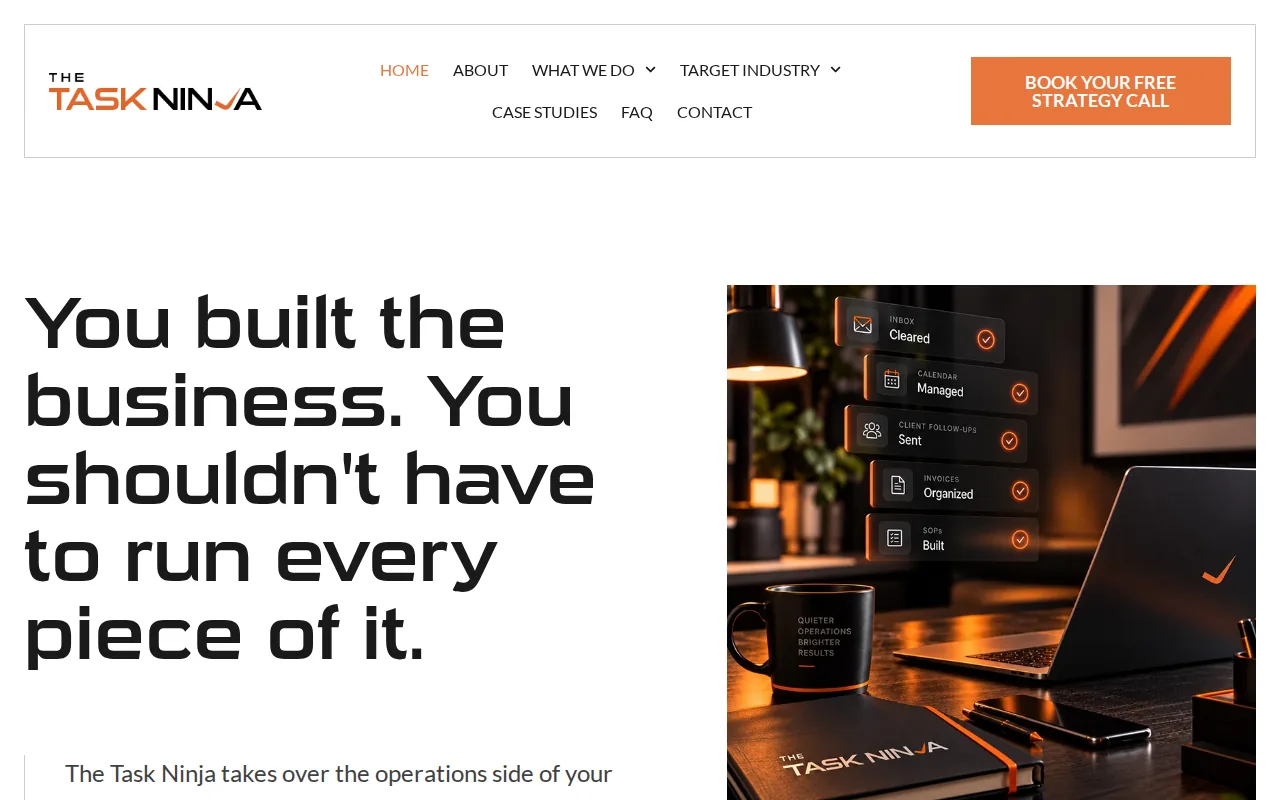
Email rarely stays in the inbox. A customer asks for an update, a team member needs a decision, and a meeting needs to move. The Task Ninja’s virtual assistant services include inbox and calendar management, plus ongoing operational support. Its research-backed service details include inbox triage, sorting, draft replies, follow-up reminders, calendar coordination, and setup of filters and templates.
That human support can help when an email needs context, not just a fast draft. For example, a message about a delayed order may need a check with the operations team before anyone replies. The assistant can flag the issue for you rather than treating every message as routine.
Because The Task Ninja works as an embedded partner on a monthly retainer, it’s suited to ongoing work rather than isolated email tasks. If your inbox is tied to other work that needs steady attention, ongoing operations support may be a better fit than an email-only handoff.
Best fit: Owners who want a person to learn how the business runs and manage recurring inbox and admin work. If you only need help with occasional small tasks, this model may be more support than you need.
2. Prialto: Backup and redundancy for ongoing support
Prialto provides fractional and full-time virtual assistant services for executives and teams. Its model includes experience, training, backup support, and managed service, which may suit you if recurring admin work needs continuity.

One detail sets its service apart from a one-person handoff: Prialto builds backups trained in your company’s processes into its model. That matters when the work continues during an assistant’s absence. If the inbox includes routine requests that still need sorting or follow-up, a trained backup can keep the agreed process moving.
Prialto’s support is aimed at executives and teams with ongoing work. Think of a manager who needs the same recurring messages handled each week, with a backup familiar with the process if the main assistant is away. This is a managed service rather than a task-credit setup.
It’s worth deciding how much continuity your inbox needs. A backup model may be useful when work cannot pause, while a lighter, occasional task service may suit a more variable workload.
3. Stealth Agents: Pre-vetted assistants with management support
Stealth Agents provides pre-vetted virtual assistants across more than 35 industries, with dedicated management support. It may fit you if you want an assistant matched to a defined role and value having management support around the working relationship.

For email work, the service has an email support assistant offering. That gives you a named service area to consider if your main need is help with business email rather than a broad operations partner. You’ll still want to spell out which messages can be handled independently and which should be brought to you.
For instance, you might ask an assistant to sort routine inquiries and flag messages about customer complaints. The first task can follow a clear rule. The second may need your view of the customer relationship before a reply goes out.
Stealth Agents also describes its assistants as serving a range of industries and includes dedicated management support. If you work with a distributed team, set clear ownership for handoffs. Virtual team management depends on people knowing who acts next when a message needs more than an inbox reply.
4. MyOutDesk: Managed virtual assistants for broader admin work
MyOutDesk provides managed virtual assistants for admin, sales, marketing, customer service, bookkeeping, and specialized industry roles. It may suit you if email support sits alongside other defined business tasks.
The broad range matters when inbox work connects to another function. A customer message may need a response tied to customer service, while a sales inquiry may need to reach the right person. MyOutDesk says its assistants are sourced, trained, and supported through a managed service model.
Before you hire, write down the work that sits behind the inbox. Does the assistant need to route messages to a team member, track a customer request in your CRM, or help with a recurring admin process? A clear task list helps you compare a broader managed service with a provider focused on isolated email support.
MyOutDesk’s wider task scope may be a match when email is one part of a larger role. If you only need help finding messages or preparing drafts, a narrower setup could be simpler.
5. OkayRelax: Task-credit support for smaller requests
OkayRelax is a virtual assistant service for founders and executives that uses task credits. Its plans start at $149 per month, and the service says clients can start in days. It may fit you when your requests are small and occasional rather than a steady block of daily inbox work.

A credit model gives you a set amount of task support to use as requests come up. That can make sense for a one-off email-related request, such as sorting a batch of messages before a busy week. It’s a different arrangement from assigning an assistant to follow the same inbox rules every day.
Before choosing a task-credit service, think about how you’ll explain each request. If the task depends on details that change each time, you may spend more effort giving context. If the request is repeatable, write down the steps and the point where the assistant should ask you before replying.
OkayRelax may be worth considering if you want task-based support and don’t need a dedicated ongoing arrangement. For recurring triage, look closely at whether a credit bucket matches the volume and rhythm of your work.
6. Fancy Hands: On-demand help billed by task credits
Fancy Hands is an on-demand assistant service billed through task credits. It may suit you when you have small requests to delegate now and then, rather than a daily inbox process that needs one person to learn your business.
Task credits can work for a discrete request with a clear finish point. You might need a specific email-related task handled, then return to managing the inbox yourself. For an ongoing handoff, by contrast, you’ll want to define who sorts messages, what gets flagged, and how follow-ups are tracked.
That distinction matters when you compare costs. A credit-based service gives you a task unit to use. A monthly retainer is built around ongoing support. Neither model fits every inbox, so estimate how often work comes up before choosing one.
If you’re still deciding whether you need recurring help, start by noting the tasks that come back each week. A short list can show whether the work is occasional or has become part of the operating routine.
7. Cassie by Sintra: AI help for finding and drafting emails
Cassie by Sintra is an AI helper that can retrieve emails by date, sender, or subject, then draft new emails or replies for approval. It may suit you if you want help finding messages and preparing drafts while keeping a person in charge of sending them.
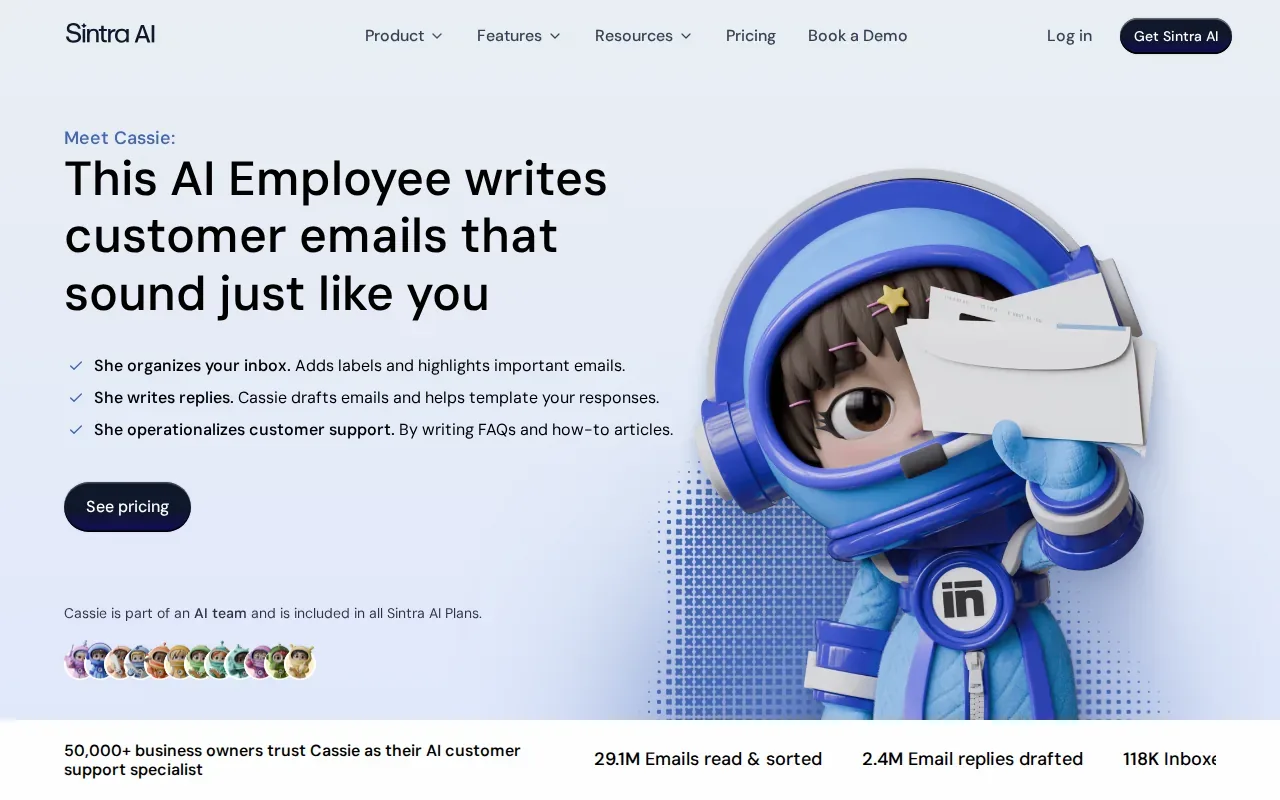
That approval step is useful when a message needs a careful answer. You can have AI prepare a first draft, then review its tone and facts before it leaves the inbox. But a draft is not the same as managing a customer issue, checking with a team member, or deciding what a message means for the business.
Sintra offers third-party AI integrations with tools such as Google Workspace, Microsoft Outlook, Slack, and Notion. For a small business, the key question is how the tool fits the existing workflow. An integration name alone doesn’t tell you whether the assistant can complete the full task you have in mind.
| Email need | Where Cassie may help | What still needs review |
|---|---|---|
| Find a message | Search by date, sender, or subject | Check that it’s the right thread |
| Prepare a reply | Draft a new email or response | Review context, tone, and facts |
| Handle a sensitive issue | Help locate related messages | Use human judgment before replying |
Think of Cassie as a support for searching and drafting, not a replacement for someone who knows your customers and your internal process. If your inbox needs a human to keep routine work moving and flag decisions, compare that need with an embedded assistant service.
FAQ
What does a virtual assistant for email management do?
A virtual assistant can sort messages, flag items that need your attention, prepare replies, and help track follow-ups. The exact work depends on the service and the rules you set. Some providers focus on individual tasks, while an embedded assistant may take on recurring inbox work alongside calendar or admin support.
Is a human assistant better than an AI email assistant?
A human assistant is better suited to work that needs business context or judgment. AI can help find messages and prepare drafts, while a person can check the thread, decide what needs your attention, and follow your process. You can also use both, with AI drafting and a human reviewing before anything is sent.
How do I give an assistant access to my email safely?
Start by setting the scope of access and writing down what the assistant may do. Agree on which emails can get a draft, which can receive a routine reply, and which must be flagged. Use the access controls available in your email system, and review permissions as the working arrangement changes.
Should I choose task credits or a monthly retainer?
Choose task credits when requests are occasional and have a clear finish point. A monthly retainer may fit recurring work that needs the assistant to learn your inbox rules and handle the same tasks over time. Estimate how often the work returns, then compare that pattern with how each service bills.
How do I onboard an email assistant?
Begin with a short set of inbox rules. Show how to sort common messages, name the topics that need your attention, and share examples of replies that match your tone. Then agree on how follow-ups are tracked and how the assistant will ask for help. Test the process with routine messages before adding sensitive ones.
Conclusion
If your inbox is tangled up with recurring admin and team handoffs, The Task Ninja is worth considering as an embedded operations partner. If you want to talk through what to hand off first, Book your free strategy call.
