

You know the emails need answers and the records need updates. But your day fills up before you get to them. Outsourced administrative services move recurring work to outside support, so you can spend more time running the business. Here are six providers and the kind of support each may fit.
1. The Task Ninja
The Task Ninja is a Seattle-based operations partner for small businesses, franchise operators, and manufacturers. We work as an embedded partner on a monthly retainer, taking on recurring admin and operations work that would otherwise keep landing back on your desk.

That work can include inbox and calendar management, CRM and data management, SOP and workflow development, virtual team management, and ongoing operations support. The aim is to manage the day-to-day consistently, rather than hand you a fresh list of tasks to supervise each week.
That distinction matters when the work crosses roles. A customer message may need a reply, a CRM update, and a reminder for the next person. If the person handling the inbox knows the workflow, the handoff can happen as part of the task instead of becoming another request for you to manage.
For a franchise operator, repeated processes across locations can make the admin load feel larger than the task list suggests. A clear workflow gives each location a shared way to handle routine work. In manufacturing, written steps can help keep office processes clear when production needs the owner’s attention.
We’re a fit when you need someone to learn how your business runs and stay with recurring work. If your need is a single short task or a one-off hourly assignment, our monthly retainer model may not fit. You can see how our ongoing operations support works when you want an operations partner, not another inbox to manage.
2. Prialto: Managed assistant teams for recurring administrative work
Prialto provides managed virtual assistant teams for administrative, executive, and operational work. Its model is built around recurring support, with an intake-to-escalation workflow and service-level agreements. It’s a potential fit for mid-market teams that want a managed team behind regular admin work.
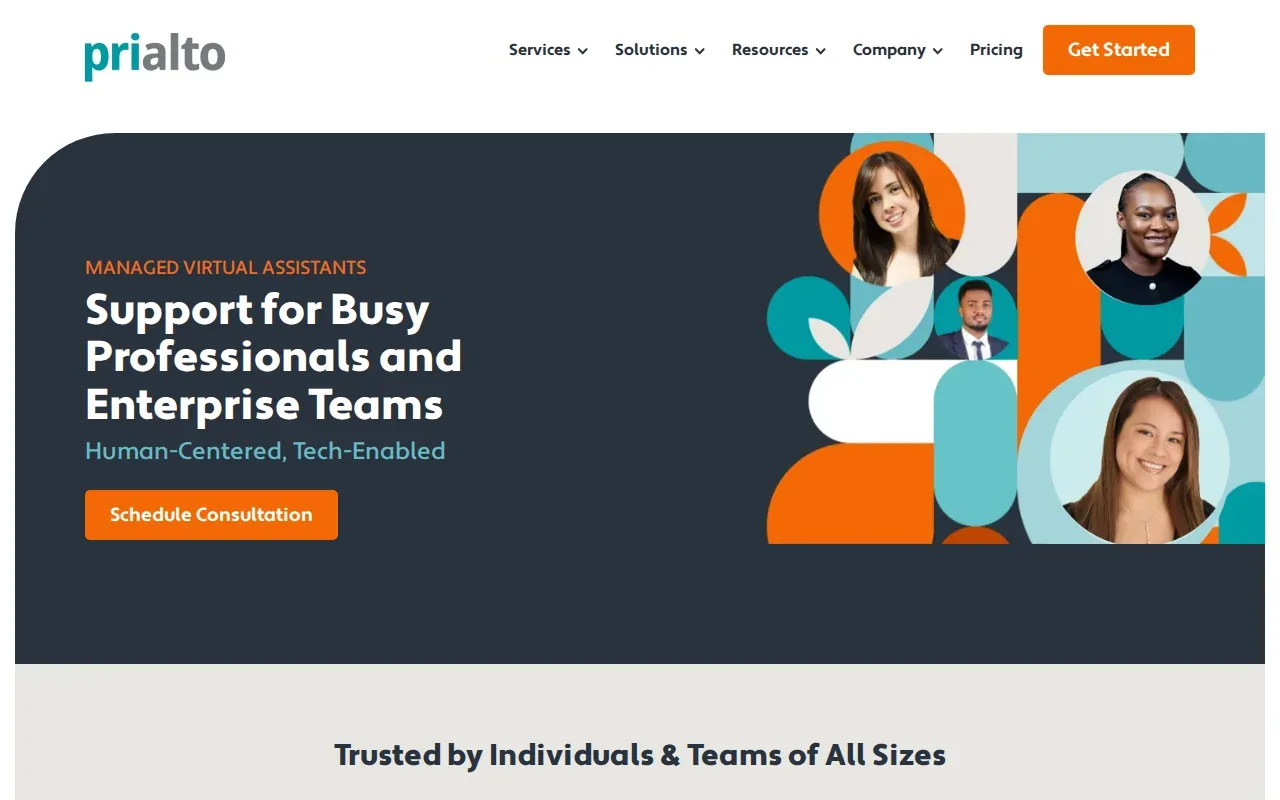
Prialto’s SLA-backed assistant team delivery uses a defined intake-to-escalation workflow for recurring administrative work. That structure can help a team think through how regular requests enter the queue and where exceptions go, rather than treating each request as an occasional task.
For example, a manager may need help keeping a calendar current while also tracking routine tasks and escalating messages that need a decision. A managed model can be worth considering when the work needs agreed handling rules and a clear route for exceptions. The important question is how the provider will learn your priorities and when a task should come back to your team.
Prialto describes a discovery and onboarding process that includes identifying workflows to prioritize, mapping an initial 90 days, setting up systems, and documenting workflows. That structure may suit a team that wants to plan the handoff before support begins. It also gives you specific points to ask about: who owns intake, who handles an escalation, and how your process notes stay current.
With a defined intake-to-escalation workflow, you can ask how your team will see the status of recurring work and how urgent changes are passed along. That is relevant if you’re concerned about requests getting lost or exceptions lacking a clear route. During a consultation, ask how the provider handles these situations in your workflow.
For a small owner-led business with only a few tasks to hand off, the managed-team model may involve more structure than you need. For a mid-market group with recurring executive or operations support needs, that structure may be the point.
3. MyOutDesk: Meeting support with follow-up coordination
MyOutDesk focuses on recurring meeting support and executive admin. Its recurring meeting support pairs minutes capture with follow-up documents and coordination. It may suit an operations team that has meetings on the calendar but struggles to close the loop afterward.

A meeting is only useful if decisions and next actions make it into the work that follows. If the meeting support includes minutes and follow-up coordination, you can assess whether the assistant’s role covers the parts that tend to slip: preparing the record, sharing it with the right people, and tracking the next handoff.
For any outsourced meeting support, explain your tools, terms, and approval rules. That helps the assistant understand how your team works and what needs to happen after a meeting.
Security may be part of your decision, especially if meeting notes include sensitive business details. Ask how information will be handled and what controls apply to the specific account and information your team plans to share.
It’s also worth defining the limits of meeting support before work starts. Who can approve a follow-up document? Which actions can the assistant send on its own? What should wait for a manager’s review? These decisions keep meeting notes from turning into accidental commitments.
MyOutDesk may fit an operations team with recurring meetings and a need for follow-up coordination. If the main pain is broader day-to-day ownership across admin work, compare the actual scope of support, not only the meeting task.
4. Ossisto: Process runbooks for repeatable back-office tasks
Ossisto provides virtual assistance and back-office support, including administrative work, data entry, and customer support. Its task-intake approach uses process runbooks to turn requests into repeatable work. It may fit operations admin teams that want a consistent way to submit recurring tasks.
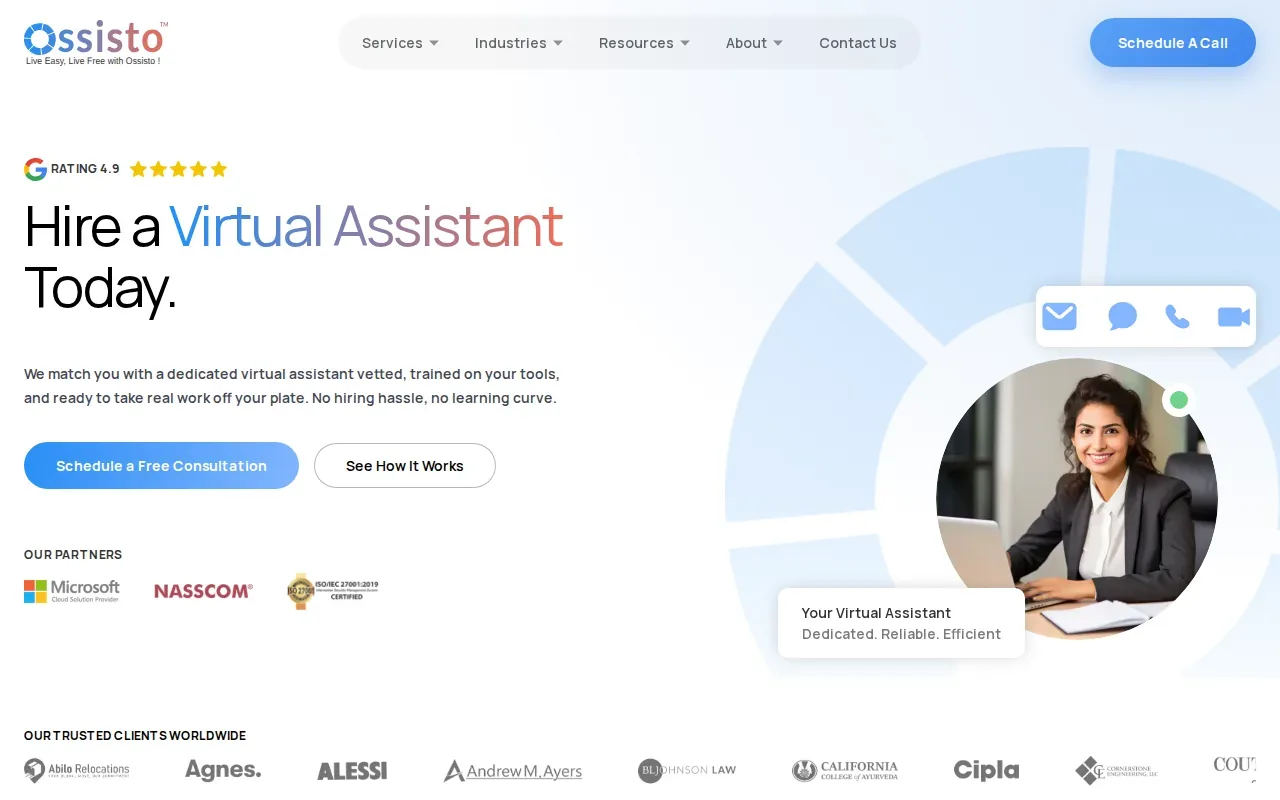
A runbook can spell out what information a request needs, what steps come next, and where a completed task should go. That helps when the same work comes up every week, but different staff members might otherwise handle it in different ways. Think of a regular records update: the process needs a clear source, a defined check, and a place to note completion.
Ossisto’s task intake uses process runbooks to translate admin requests into consistent operational output across recurring workflows. Ask how a particular workflow is documented and how changes to the steps are shared.
Picture a task that moves through three hands: one person enters the request, another checks the record, and a manager approves an exception. A runbook can make those handoffs visible. But it still needs an owner who can confirm the process when a request falls outside the usual pattern.
Ossisto may be a fit when your team has repeatable requests and wants to define how each one should move. Before you start, agree on what counts as complete, what requires approval, and how to flag an exception. If the work changes often, ask how updates to the runbook are handled so the instructions stay useful.
5. Wing Assistant: Dedicated execution for inbox, documents, and meetings
Wing Assistant provides managed remote assistants for administration, customer support, sales, and operational tasks. Its admin workflow is designed around repeatable coordination across inboxes, documents, and meetings. It may fit a team that needs one dedicated assistant to carry out recurring admin work inside its existing tools.
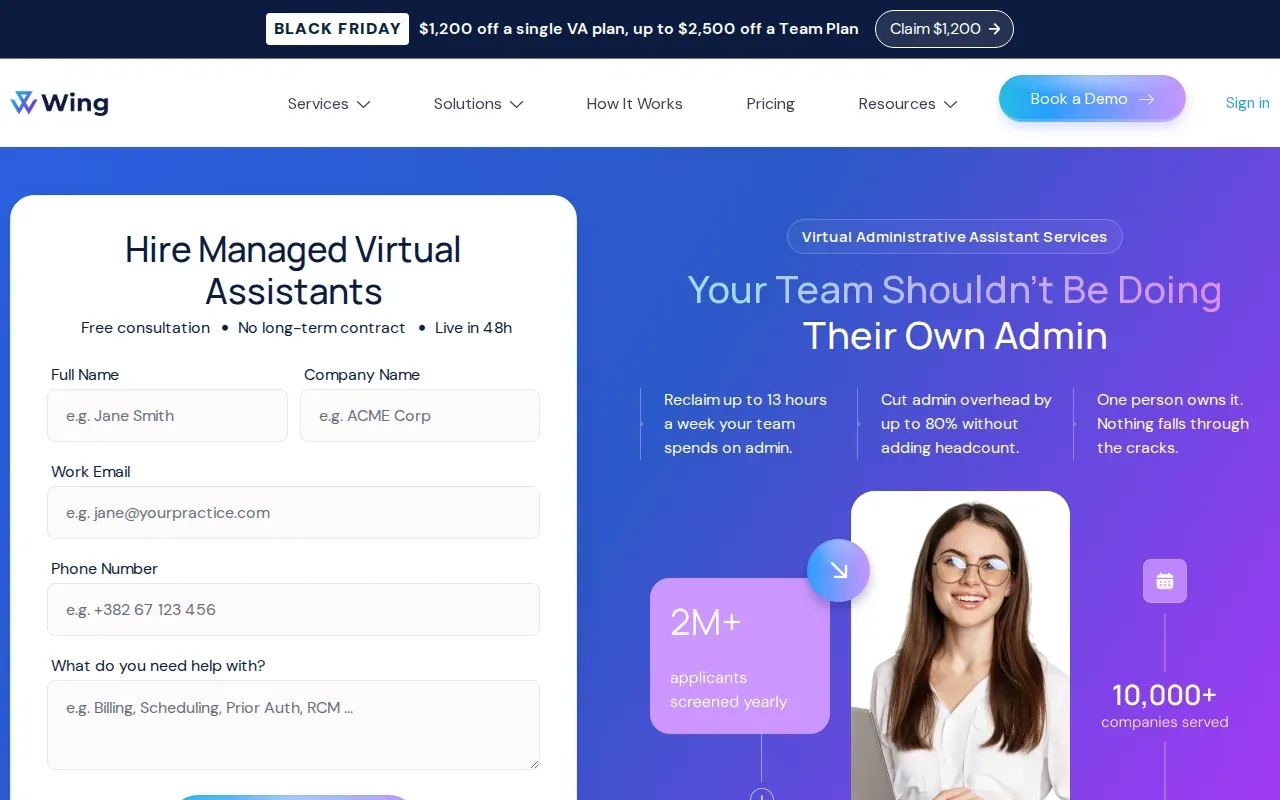
For recurring coordination, start by identifying the inbox, document, and meeting tasks that need a consistent process. Ask how requests are shared, how priorities are set, and how your team can flag a change in the work. Clear expectations make it easier to keep routine admin moving.
That structure can matter when the work touches several team members. For example, an assistant may need to schedule a meeting, prepare a document, then update the team’s records after the meeting. Your team should agree on who approves external messages and which internal updates can happen without an extra check.
Before sharing access to business tools, list what the work requires and decide who can approve or change permissions. Ask how access is handled when responsibilities shift. These steps help your team keep the workflow clear as tasks change.
A repeatable process may suit a team that wants inbox, document, and meeting coordination handled consistently. Confirm how requests will be handed off, what information the assistant needs, and how your team will communicate updates or deadlines.
For inbox-heavy work, start by setting rules for what gets handled, what gets flagged, and what needs your approval. A dedicated assistant can follow those rules, but the rules still need to reflect how your business makes decisions.
6. WoodBows: Ongoing admin task ownership with defined handoffs
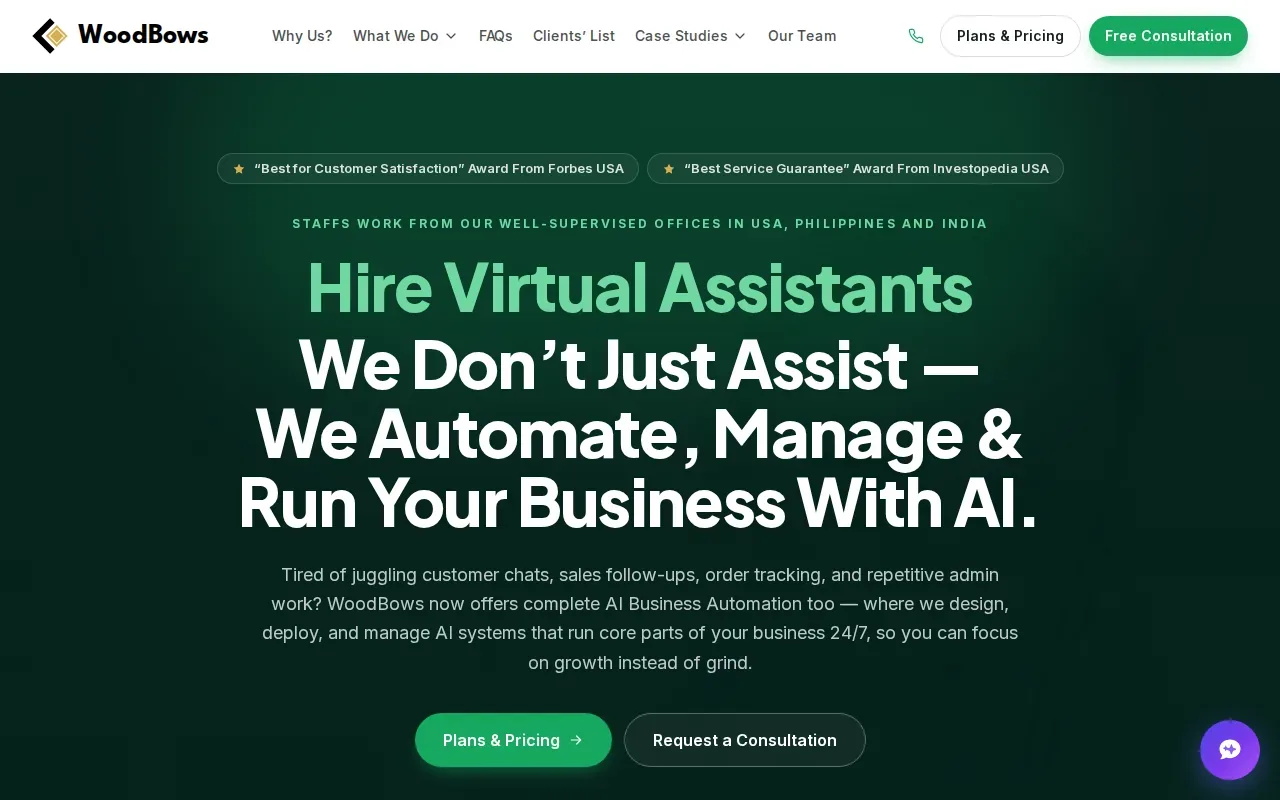
WoodBows provides virtual assistants for admin support, research, and data entry, among other work. It can suit ongoing task ownership with documented handoff expectations between internal staff and the outsourced team. It may suit an admin back office with recurring work that needs a clear owner.
A handoff is more than assigning a task. The person taking it on needs the input, the deadline, and a clear way to show what happened. If an invoice record needs a second check, for instance, the process should say who reviews it and where the outcome is recorded.
The exact work should be agreed with the provider so that the assistant’s role lines up with your process and the level of review your team needs.
WoodBows describes staff working from offices in the United States, the Philippines, and India, along with data encryption and nondisclosure agreements. If information access is part of your decision, discuss what information the assistant will handle, where the work will take place, and how access is managed for your account.
Before you delegate a recurring task, decide who receives questions when the instructions don’t cover a situation. Without that route, a task can stall while the assistant waits or move ahead when it should have been reviewed. A simple escalation rule can prevent both outcomes.
WoodBows may fit teams that want a dedicated assistant and clear ownership across repeated admin tasks. It’s worth being specific about the handoff: who assigns work, who checks it, and how the team will know it’s done.
Compare these outsourced administrative services at a glance
The right model depends on where work gets stuck. Some teams need an operations partner who learns the business. Others need support around meetings or a documented intake process. Use this table to narrow the first conversation, then confirm the actual scope with the provider.
| Provider | Distinctive fit | Consider it when | Question to ask |
|---|---|---|---|
| The Task Ninja | Embedded operations support on a monthly retainer | Recurring admin work crosses inbox, systems, and team processes | Which day-to-day responsibilities can your team own? |
| Prialto | Managed assistant teams with intake and escalation workflow | Your team wants a structured model for ongoing support | How are exceptions routed and escalated? |
| MyOutDesk | Meeting support with minutes and follow-up coordination | Meeting actions and related admin work need consistent follow-through | Who reviews notes and approves follow-up documents? |
| Ossisto | Task intake supported by process runbooks | Requests repeat and need consistent handling steps | How are runbook changes made and shared? |
| Wing Assistant | Dedicated admin execution across inbox, documents, and meetings | Your team wants a dedicated assistant for recurring admin work | What are the coverage hours and support handoffs? |
| WoodBows | Ongoing task ownership with defined handoffs | Work needs a clear owner between your team and the assistant | How are questions and exceptions assigned? |
Outsourcing can be a fit when work repeats and your team can define what a good handoff looks like. Hiring in-house may make more sense when you need someone on site or the role has responsibilities that are hard to separate from daily staff management.
Whichever route you take, don’t judge a provider only by the list of tasks it can handle. Ask who owns the work, how exceptions are handled, what access the assistant needs, and how you’ll review the first few weeks.
Tool fit deserves its own check. If the work depends on a CRM or accounting system, name the tools during the first discussion and ask how the assistant will work in them. A task can be handled well on paper and still create extra work if the records do not stay in the system your team relies on.
For teams reviewing record cleanup, our notes on data management outsourcing services can help you separate routine data work from decisions that should stay with an owner or manager.
Frequently asked questions
What are outsourced administrative services?
Outsourced administrative services are recurring office or operations tasks handled by a provider outside your company. The work may include inbox support, scheduling, document handling, data entry, or process support. Unlike an in-house admin employee, an outside provider works under an agreed service scope. You still need to set priorities, access, approval limits, and a way to raise exceptions.
Is outsourcing admin cheaper than hiring an employee?
It depends on the work, the provider’s fee, and what you include in an in-house role. Compare the full cost of a hire with the provider’s scope, management needs, and coverage. Also consider the time you spend training and overseeing the work. Ask for a proposal based on your recurring tasks instead of comparing a provider’s service to salary alone.
How do I keep control of outsourced admin work?
You keep control by setting the decisions that must stay with you and the actions the provider can take. Define approval limits, deadlines, and escalation rules before work starts. Then review a sample of completed tasks during onboarding. If a rule changes, update the written instructions and make sure the people doing the work know about it.
How do I protect business information when outsourcing?
Start by matching access to the work. Give the assistant only the accounts and records they need, and ask how the provider handles confidentiality, access, and data protection. Check whether the provider’s stated safeguards fit your own needs. For sensitive records, involve the person responsible for your company’s security or compliance before sharing access.
How do you transition admin work to an outside provider?
Start with one recurring task and show what a finished result looks like. Share the input sources, due date, approval rules, and what to do when an exception comes up. Review early work together, then adjust the instructions before adding more tasks. A short, clear handoff is easier to manage than sending over a large task list with no context.
Conclusion
If your admin work keeps returning to you, look for a provider that can own the recurring handoffs, not simply accept tasks. The Task Ninja works with small businesses, franchise operators, and manufacturers as an embedded operations partner. To talk through what’s taking up your week, Book your free strategy call.
